Committees change. The page carries on.
Sports clubs, associations, faith groups, community media and small charities are mostly run by volunteers with day jobs. postme.live gives the person doing the posts this year a simple way to keep the group showing up on Facebook, Instagram and YouTube, in the group’s own voice.
Same plans as everyone else. Free to start, no card.
Made for one volunteer, and the next one
One person, one login, plain steps. When the job moves on, a handover code passes the whole workspace to the next volunteer, with nothing lost.
The group’s voice, kept
The brand book holds the group’s name, colours and way of speaking, so the page sounds like the group, not like whoever is posting this year.
Where your members already are
Facebook, Instagram and YouTube are live for everyone. Those are the platforms community groups use most: 93% of nonprofits are on Facebook and 84% on Instagram (Nonprofit Tech for Good, 2026).
How a group gets going
Three steps. The first two you only do once.
- 01
Set up the group
Scan the group’s website or upload its logo. The brand book fills in the colours, fonts and a first draft of how the group talks.
- 02
Connect the pages
Connect the group’s Facebook Page, Instagram and YouTube through their official logins. Nothing posts without your approval.
- 03
Post the notice
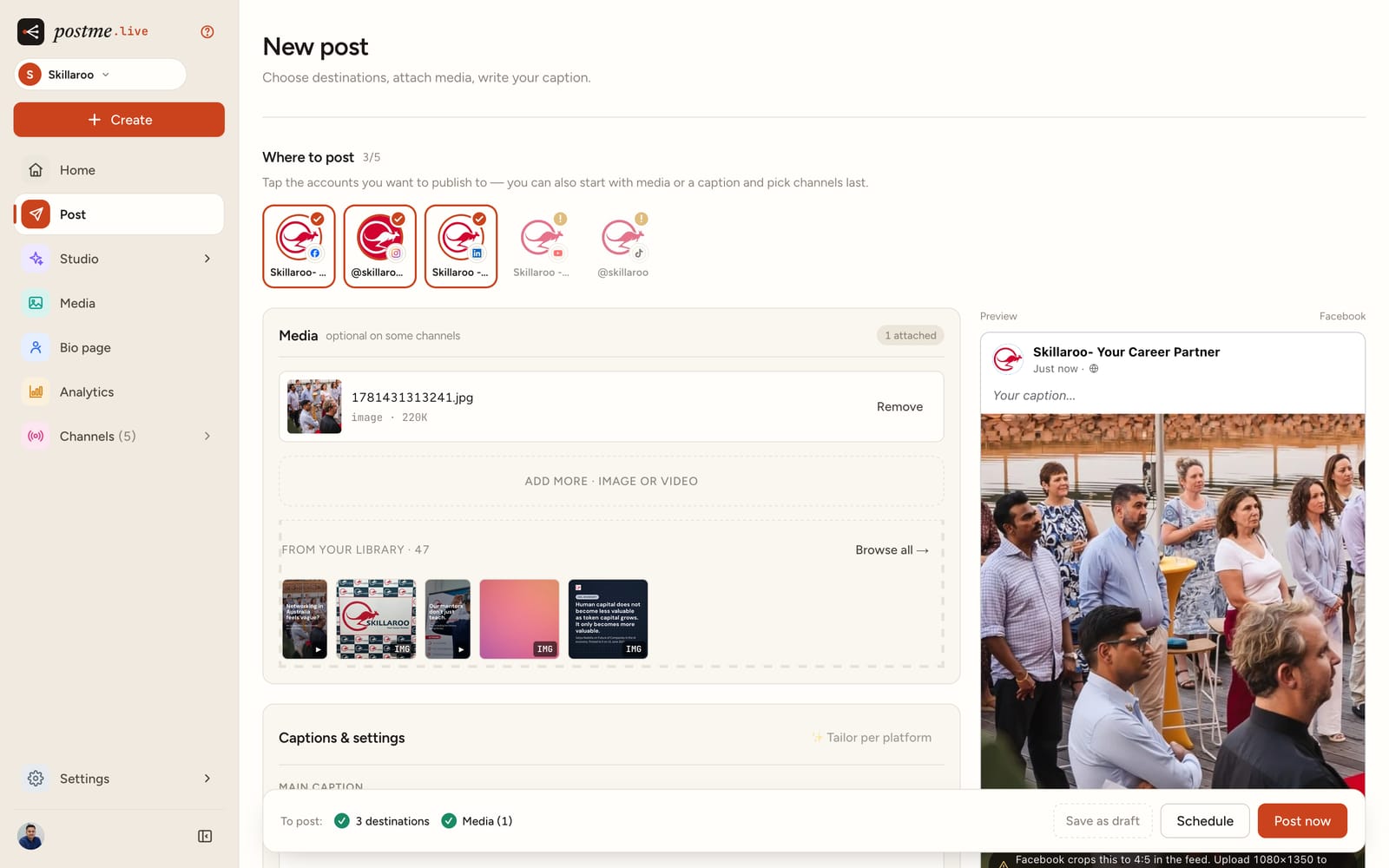
Write it once, check each platform’s version in the preview, approve it, and schedule it for when your members are looking.
Good to know
- Is there a special plan for community groups?
- No. Groups use the same plans as everyone else, starting with Free, which needs no card and covers Facebook, Instagram and YouTube.
- Can we post to our Facebook Group?
- Not yet. Meta stopped letting apps post into Facebook Groups in 2024, so postme.live posts to Facebook Pages, Instagram and YouTube.
- Our Page admin isn’t the person doing the posts. What do we do?
- Send them a connect link from Settings, Accounts. They sign in with their own Facebook, Instagram or Google login and connect the page to your workspace, without joining it. Each link works once and lasts 48 hours.
- What happens when the volunteer changes?
- The current owner makes a handover code in Settings, Workspace. The new volunteer enters it and becomes the owner, and the brand book, drafts, post history and channels stay with the group. Connected channels keep working until the previous volunteer’s own Facebook or Google access to them changes, and the new owner can reconnect them any time.
- Which platforms?
- Facebook, Instagram and YouTube are live for everyone today. We add each network the day it clears its official review.
Keep the page going, whoever’s on the committee.
Free to start, no card. Same plans as everyone.